
Start in the practice workspace, then open client books only when the job calls for it.
This path is for firms, outsourced finance teams, and invited accountants who need client switching, reporting, reconciliation, and firm controls without living inside one company workspace.
Focus 1
Practice workspace
Focus 2
Client switching
Focus 3
Management reports
Focus 4
Reconciliation & close
Need the other route?
Switch audiences without losing the bigger picture.
Compare the entry path for the other team, then come back to the workflow that matches this audience.
Live workflow view
Keep firm work separate from client operations.
Accountant users need a dedicated practice workspace where they can choose the next client, review reporting, and open books intentionally.
Accountants workspace
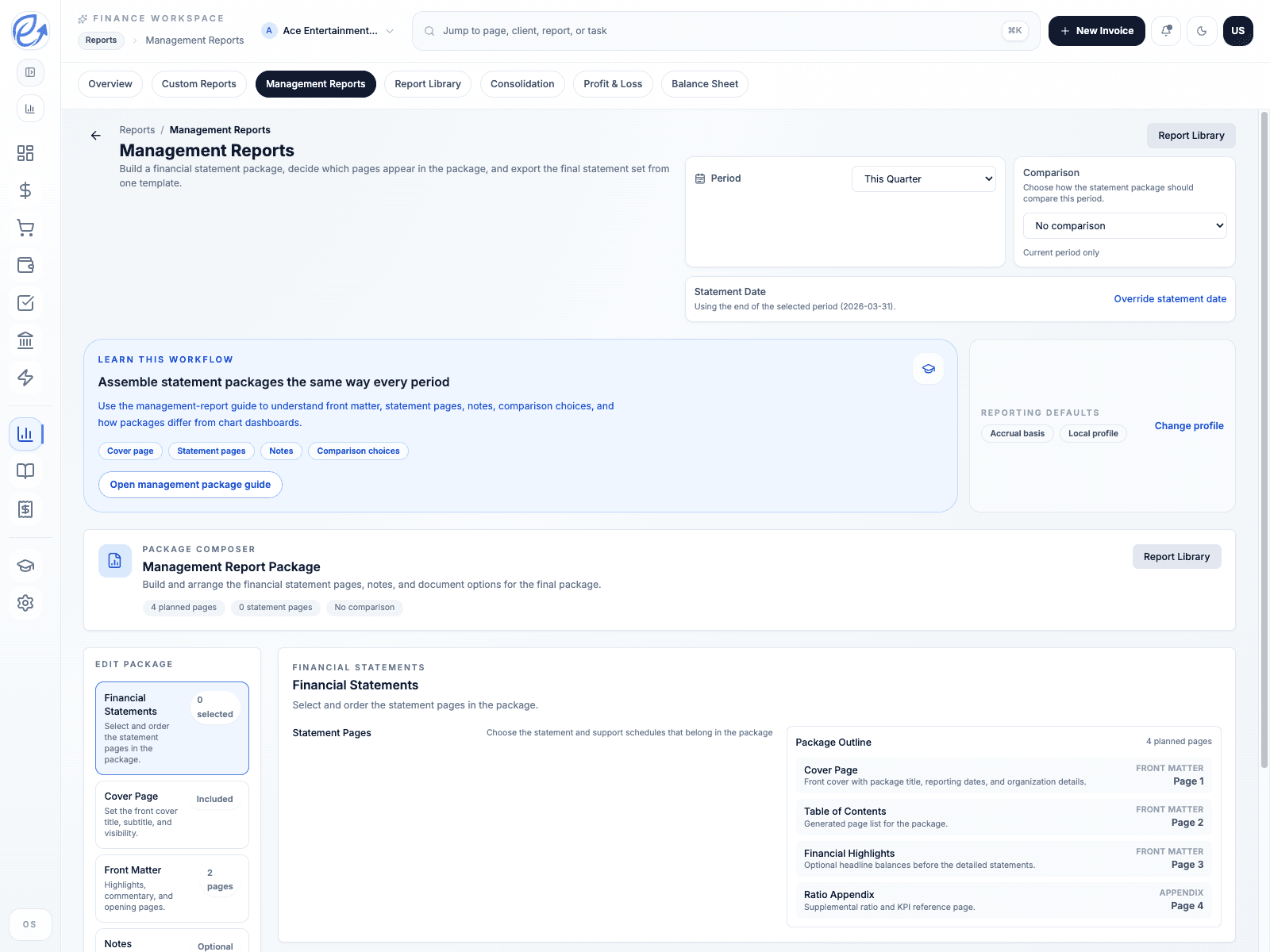
Accountant-facing reporting and management package workflow
Journey 1
Create the accountant workspace and name the practice
Journey 2
Link clients and switch books without losing context
Journey 3
Review packages, controls, and exception queues from the practice
Why This Path
Start with the workflows this audience actually needs first.
Start in the practice, not inside a client company by accident
Accountants get a dedicated entry path, a practice workspace, and client switching without going through standard business onboarding.
Jump straight into reporting, close, and reconciliation work
The accountant workspace keeps the practice, reporting, reconciliation, and review work together so advisory teams can move faster.
Keep firm billing separate from client-company billing
Practice seats, linked clients, and accountant access stay with the firm instead of being mixed into the client workspace.
Common Journeys
Move through the right sequence without rebuilding context.
Create the accountant workspace and name the practice
Use the accountant join flow to create the firm account, open the practice home immediately, and avoid the company onboarding path.
Link clients and switch books without losing context
Work from the practice first, then open client books, reporting, and reconciliation only when you need to move into the company records.
Review packages, controls, and exception queues from the practice
Use the accountant route for month-end review, management reports, reconciliation follow-up, and support handoff across multiple clients.
Ready To Start
Open the right entry path for accountants.
Start with the audience-specific route now, then use the shared public navigation to compare products, pricing, and support without losing your place.